
Description
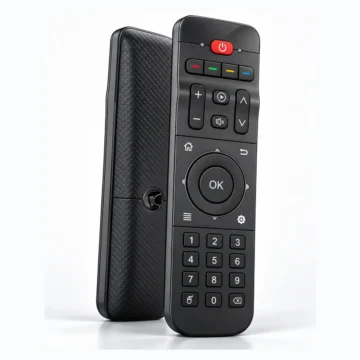
MX3 Air Remote – Wireless Air Mouse and Keyboard for Smarter TV Box
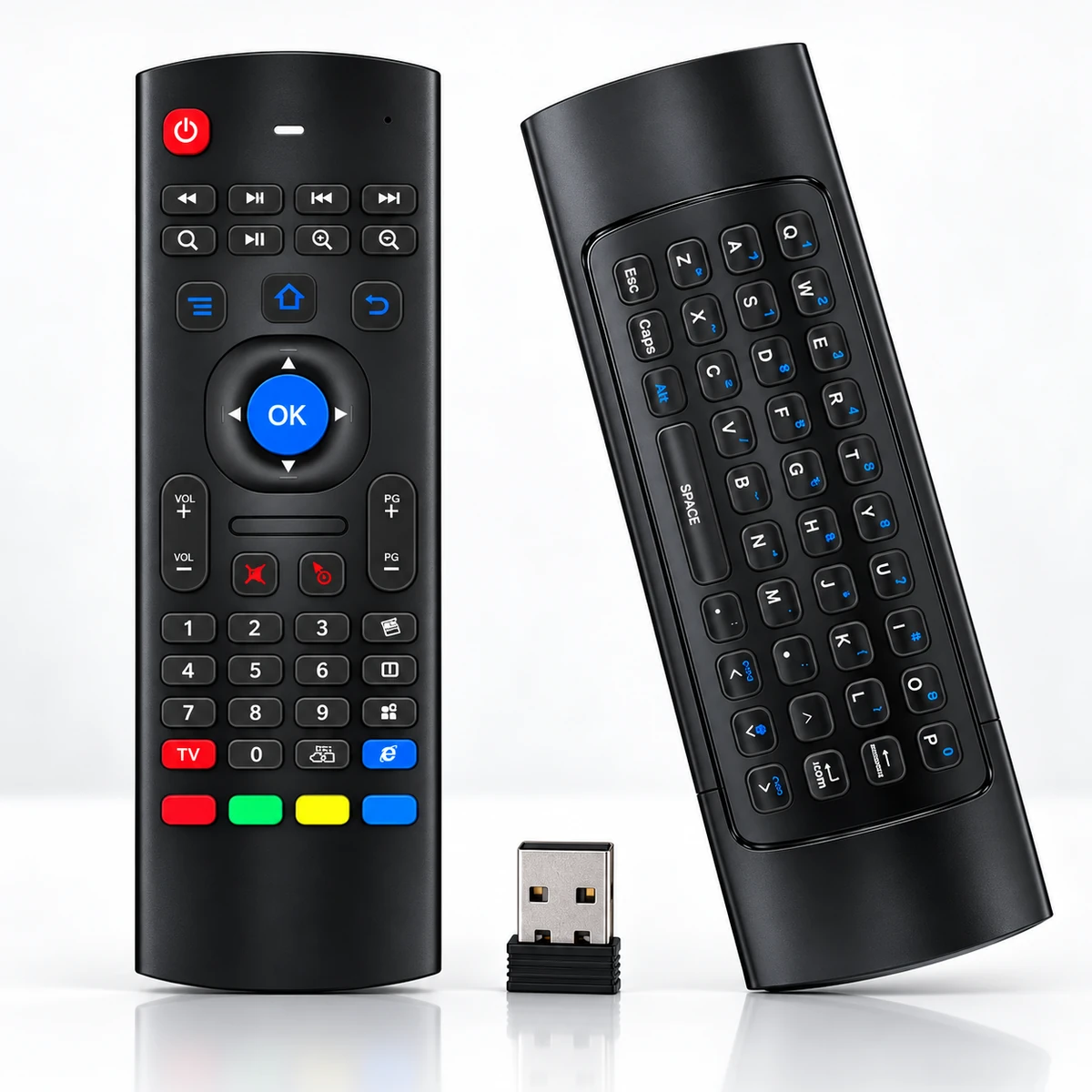
The MX3 Air Remote combines the convenience of a traditional remote control, wireless air mouse, and compact QWERTY keyboard in one multifunction device. Designed for compatible Smarter TV Box models, this 2.4GHz wireless controller makes it easier to navigate Android menus, enter text, browse applications, and control supported media functions.
Featuring motion-sensing technology, IR learning capability, an 81-key layout, and a USB wireless receiver, the MX3 offers flexible control for your home entertainment setup.
2.4GHz Wireless Control
Enjoy reliable wireless operation with the MX3 Air Remote, using 2.4GHz radio frequency technology.
The included USB receiver connects to a compatible Smarter TV Box and communicates wirelessly with the remote.
Unlike a standard infrared-only remote, RF control does not require you to point directly at the device.
Wireless Features:
- 2.4GHz RF communication
- USB wireless receiver
- No direct line-of-sight requirement for RF operation
- Specified operating distance greater than 5 metres
- Convenient control for compatible Android TV applications
Wireless range may vary depending on obstacles, interference, and operating conditions.
Motion-Sensing Air Mouse Technology
Navigate compatible Android applications with the built-in motion-sensing air mouse.
The controller uses a 3-axis gyroscope and 3-axis accelerometer to detect movement, allowing you to move an on-screen cursor by changing the remote’s position.
This feature is particularly useful when operating applications with pointer-based interfaces.
The MX3 Air Remote makes it easier to select on-screen items, browse menus, and interact with supported applications.
Built-in QWERTY Keyboard
Typing with a traditional TV remote can be time-consuming.
The MX3 provides a built-in mini keyboard on the reverse side, allowing convenient text entry for supported applications.
Keyboard Applications:
- Entering search terms
- Typing website addresses
- Entering usernames and other text
- Browsing supported web applications
- Searching video and entertainment libraries
- Navigating keyboard-compatible interfaces
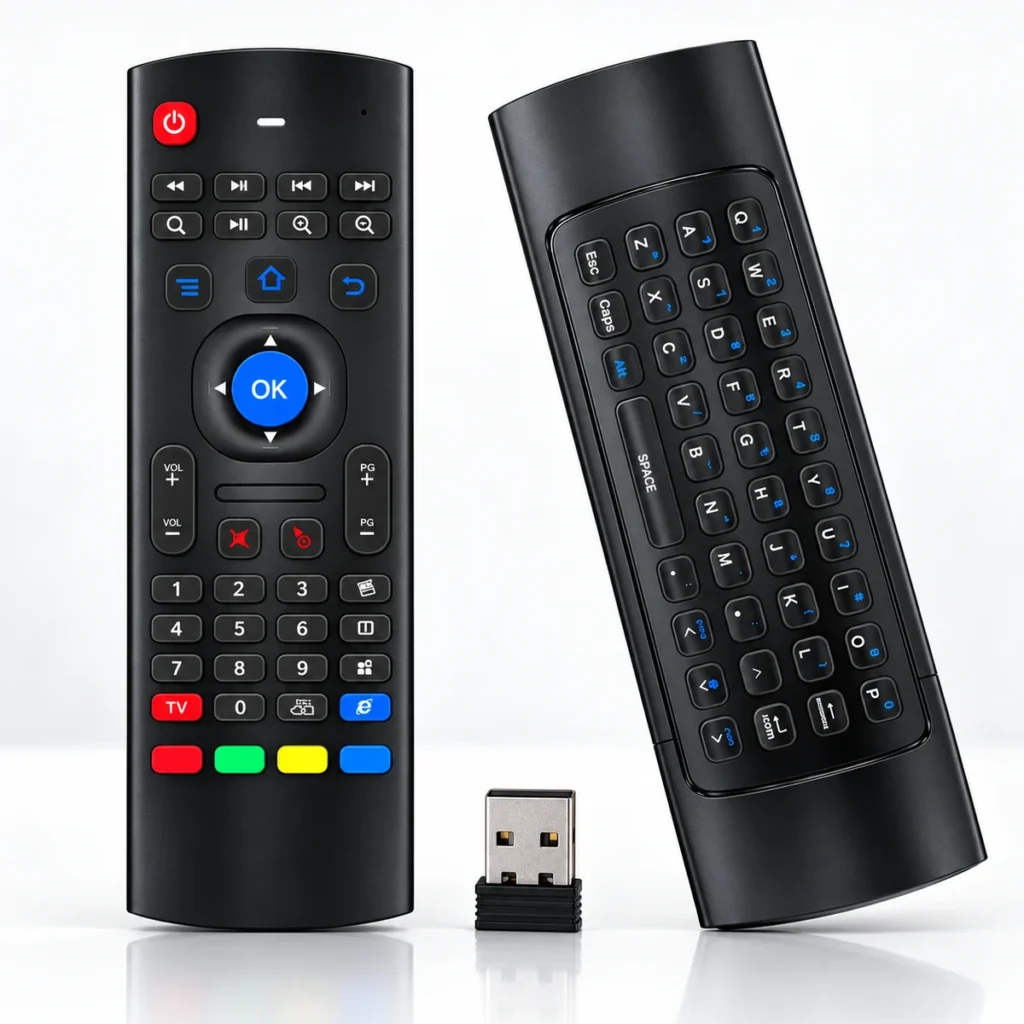
The dual-sided design combines a traditional remote layout on one side with QWERTY keyboard controls on the other.
IR Learning Function
The MX3 Air Remote includes an infrared learning feature for supported commands.
This functionality may allow selected remote buttons to learn compatible infrared signals from another controller.
IR learning requires appropriate setup and a compatible infrared source remote.
It does not make the device universally compatible with all televisions or entertainment equipment.
81-Key Multifunction Design
With a total of 81 keys according to the supplied specifications, the MX3 combines different control functions in one compact device.
Main Controls Include:
- Power button
- Directional navigation
- OK / Select
- Home, Menu, and Back
- Play and pause
- Fast-forward and rewind
- Volume adjustment
- Numeric keypad
- Red, green, yellow, and blue function keys
- QWERTY keyboard
Button functionality depends on the connected Smarter device and the application being used.
Designed for Compatible Smarter TV Boxes
The MX3 Air Remote sold by our store is intended for compatible Smarter TV Box models.
The supplied USB receiver is used for RF communication, while keyboard and air mouse functions require appropriate device and software support.
Important: Although similar MX3 controllers may be used with other equipment, this product listing is specifically for Smarter TV Box compatibility. Operation with other brands is not guaranteed or supported by this listing.
Comfortable and Compact Design
The remote features a black plastic housing with silicone button components and a compact handheld design.
Its dual-sided layout keeps navigation and multimedia controls on the front, while the keyboard is located on the back.
The device is designed to provide practical operation without needing a full-size keyboard or separate pointing device.
Easy Setup and Operation
Getting started is straightforward:
- Insert 2 × AAA batteries into the remote.
- Connect the supplied USB receiver to an available USB port on your compatible Smarter TV Box.
- Turn on the TV box.
- Allow the device to recognize the wireless receiver.
- Use the navigation keys, motion-controlled pointer, and keyboard with supported applications.
Additional configuration may be required for certain features, including IR learning.
Why Choose MX3?
The MX3 Air Remote provides a convenient combination of wireless control, motion sensing, keyboard input, and traditional remote functions.
Whether you’re searching for movies, navigating Android menus, or entering text in compatible applications, its multifunction design offers greater flexibility than a basic remote controller.
MX3 Air Remote – Smarter Navigation, Easier Typing, Better Control.
Reviews
There are no reviews yet.